Web-Scrapping
 </br>
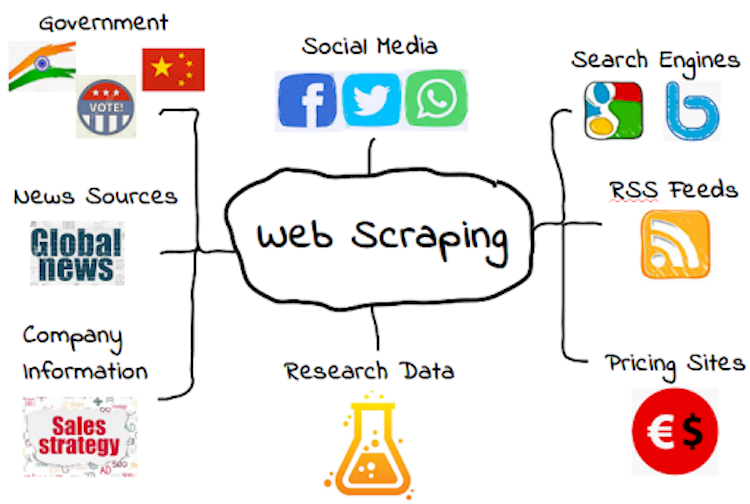
This is a quick introduction to WebScrapping.
</br>
This is a quick introduction to WebScrapping.
What is Web Scrapping?
Websites can contain a very large amount of invaluable data stock, prices and product
details. </br>
If you wanted to access this information you either have to use whatever format the website uses or copy and paste the information manually into a new document.</br>
This can be pretty tedious when you want to extract a lot of information from a website here’s where web scraping can help. </br>

Definition
Scraping simply refers to the extraction of data from a website.</br> This information is collected and then export into a format that is more useful to the user.</br> For example: You can use web scraping to export a list of product names and prices from Amazon onto an Excel spreadsheet. </br>
Step 1: Install Libraries Required
- pip install requests
- pip install html5lib
- pip install bs4
Step 2: Accessing the HTML contents
Step 3: Parsing the HTML contens
Step 3: Searching and Navigating through a Parse Tree
Project 1: Cowin Notifier
 </br>
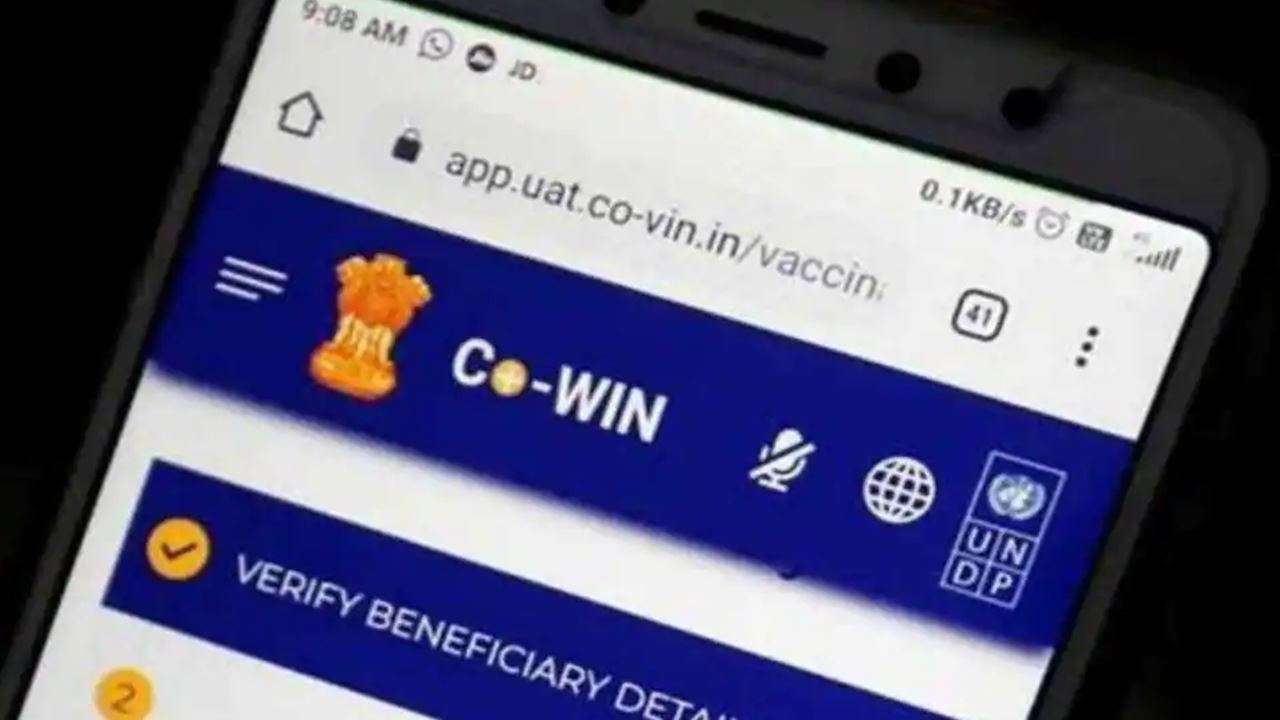
Cowin Notifier is the most simple and intuitive way to search for available vaccine slots in India. Simple create a new search preference and the app will look for available slots with the given preference. You can add multiple search preferences for family and friends.</br>
This Project is Contributed by Anjali Pathak and Akshat Jain</br>
Click here for the Project
</br>
Cowin Notifier is the most simple and intuitive way to search for available vaccine slots in India. Simple create a new search preference and the app will look for available slots with the given preference. You can add multiple search preferences for family and friends.</br>
This Project is Contributed by Anjali Pathak and Akshat Jain</br>
Click here for the Project
Contributors
Connect With Me
LinkedIn : https://www.linkedin.com/in/akshatjaingeu/
Email : akshat.kodia@gmail.com
Twitter : www.twitter.com/akki_aj89
Website : https://akshatprogrammer.github.io/portfolio/</br>
Personal
Name : Akshat Jain
University : Graphic Era University, Dehradun(UK)
If any problem with this program reach me at Telegram
Here is the link -> https://t.me/akki_aj89
Gratitude
Thank You, if you like it please leave a Star.